Remote debugger workflows function like direct workflows but with debugging capabilities enabled. When executed in this mode, the workflow will pause execution at any breakpoints you've placed in your Python code (click on the number of the line) like in callbacks and the "Eval code" task.
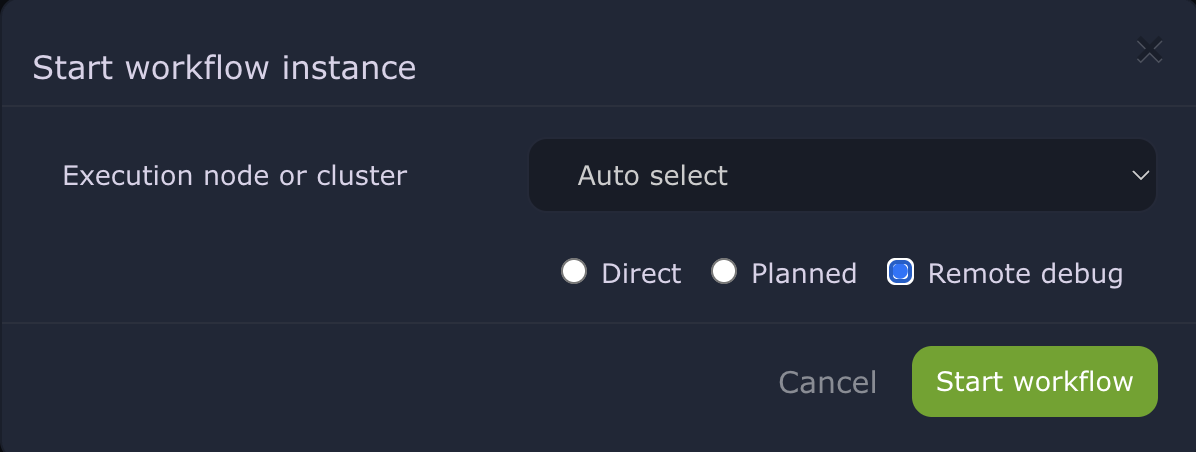
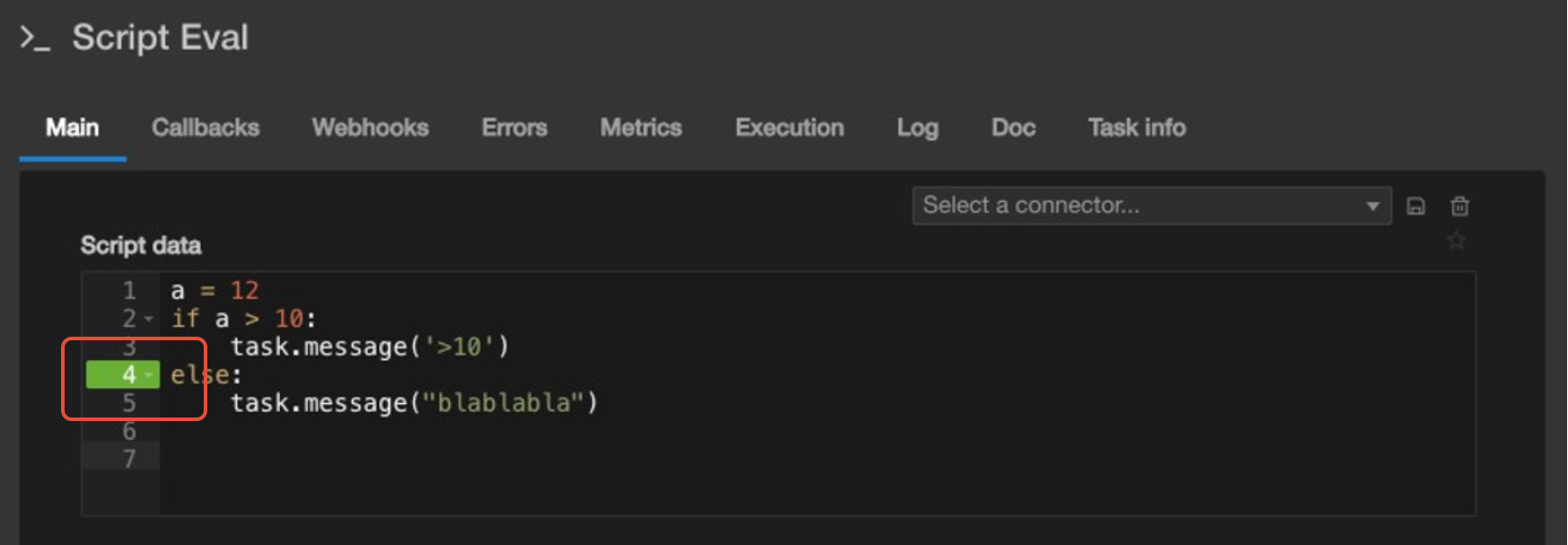
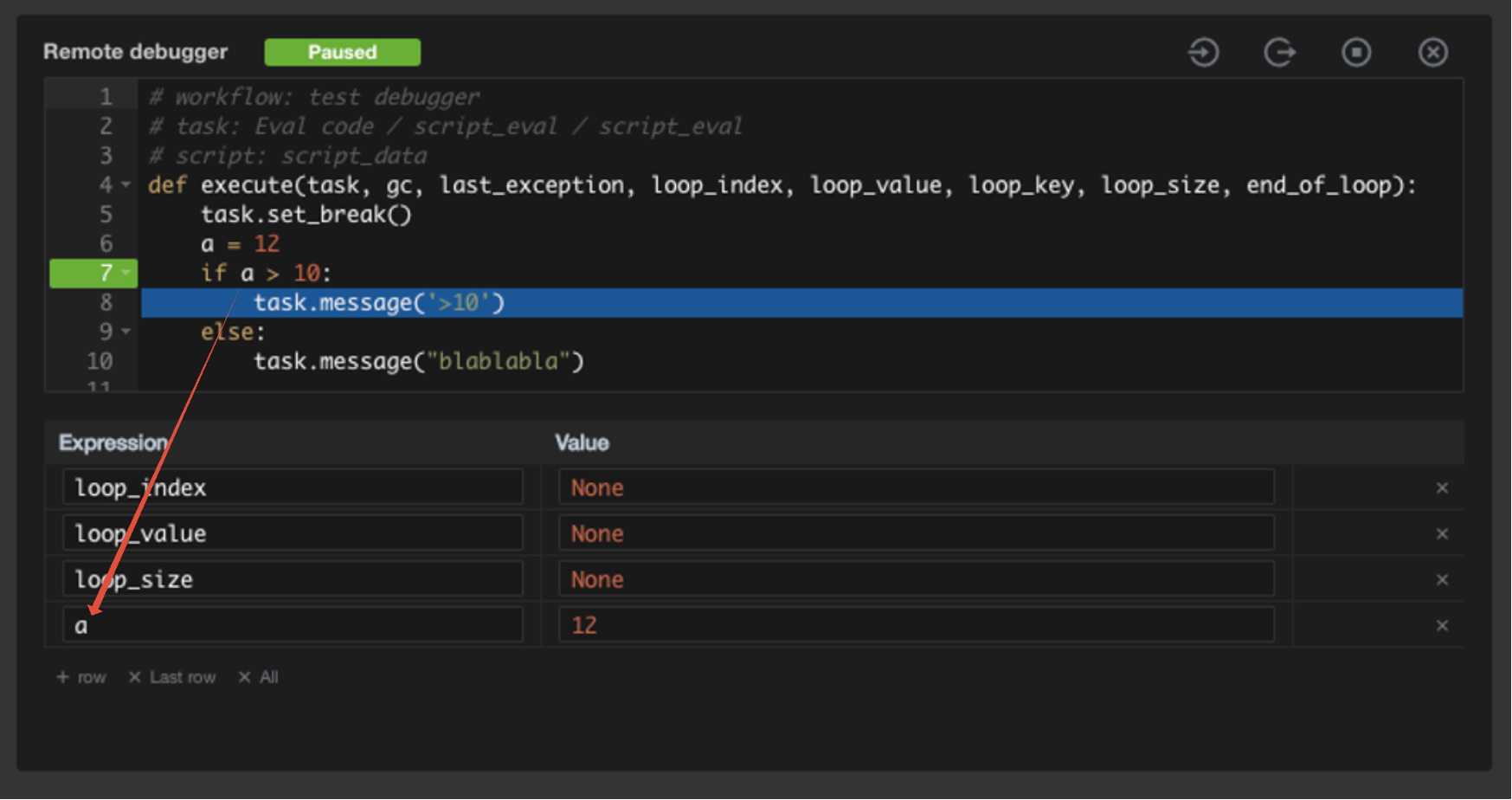
Debugging interface:
When a breakpoint is hit, you can:
- lnspect variable values
- Step through code execution
- Evaluate expressions in the current context
Continue or stop execution
Enabling remote debugger for sequences :
The remote debugger can also be activated when launching a sequence. ln this mode, the debugger will stop at breakpoints within all workflows that are part of the sequence, allowing you to debug complex multi-workflow processes.
When to use remote debugger :
- Troubleshooting "Eval code" and callbacks logic errors
- Understanding complex execution flows
- Validating data transformations
- Testing new workflow implementations
Note: Remote debugger workflows bypass resource limitations like direct workflows, so they should only be used during active development and debugging sessions.
Was this article helpful?
That’s Great!
Thank you for your feedback
Sorry! We couldn't be helpful
Thank you for your feedback
Feedback sent
We appreciate your effort and will try to fix the article